What?
When processing invoices, you will only be able to select the countries that are activated in the settings.
Why?
This is deliberately designed this way to increase user convenience: this means that when booking, for example, a purchase invoice, you don't have to scroll through an endless list of countries. You only see the countries that are relevant to your company.
How?
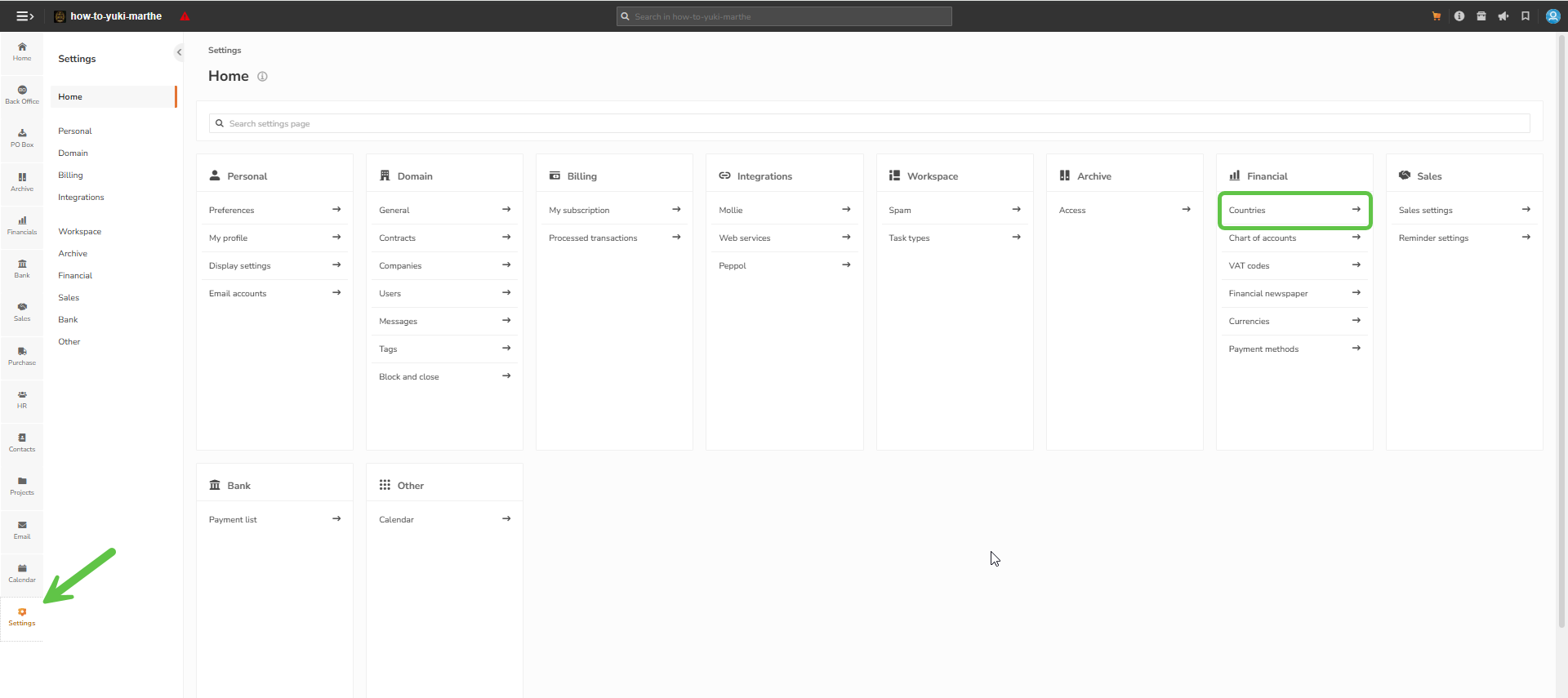
To activate the necessary countries, navigate to the settings by clicking on the gear icon at the bottom left, and then choose 'Countries' in the Financial submenu.
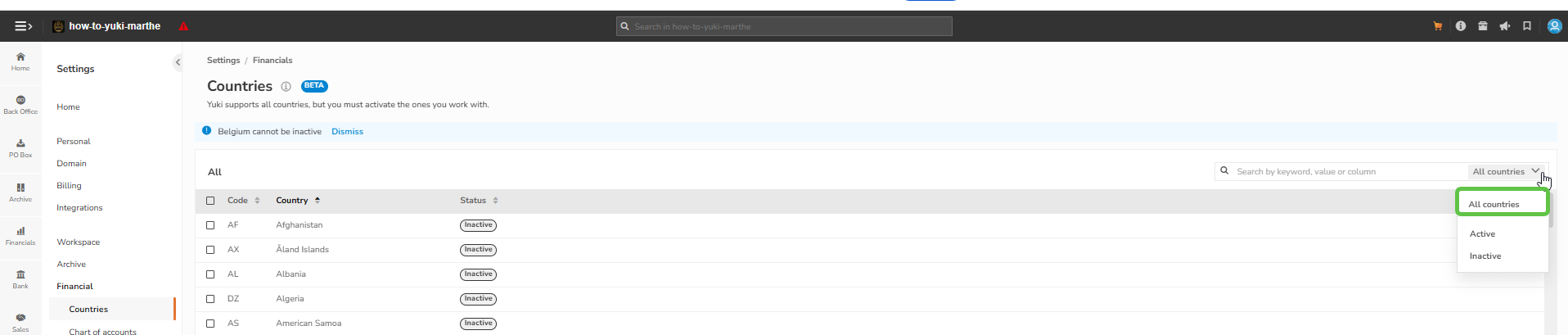
Filter by 'All countries' if you want an overview of all countries. You can also filter by Active and Inactive.
If you want to activate a country, you can select the country, then click on 'Activate'. Belgium must always be active.